 InkWho
Spot signs of AI writing.
Right where you read.
Check pages and passages for signs of AI writing.
Free, fast, and private. On-device analysis. No sign-up.
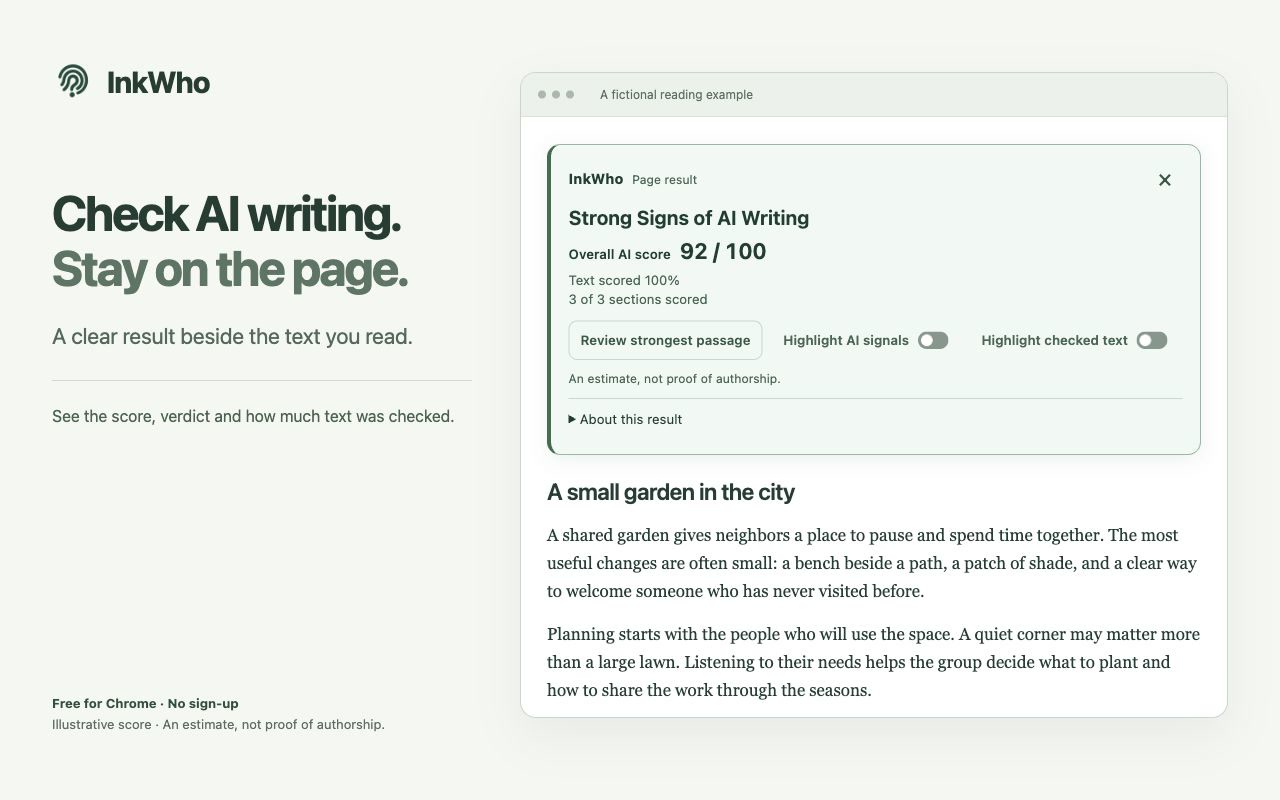
The whole page,
at a glance.
See the score, the verdict, and how much of the text was checked.
A closer look
at the passages.
Find the strongest signals and review the highlighted text in context.
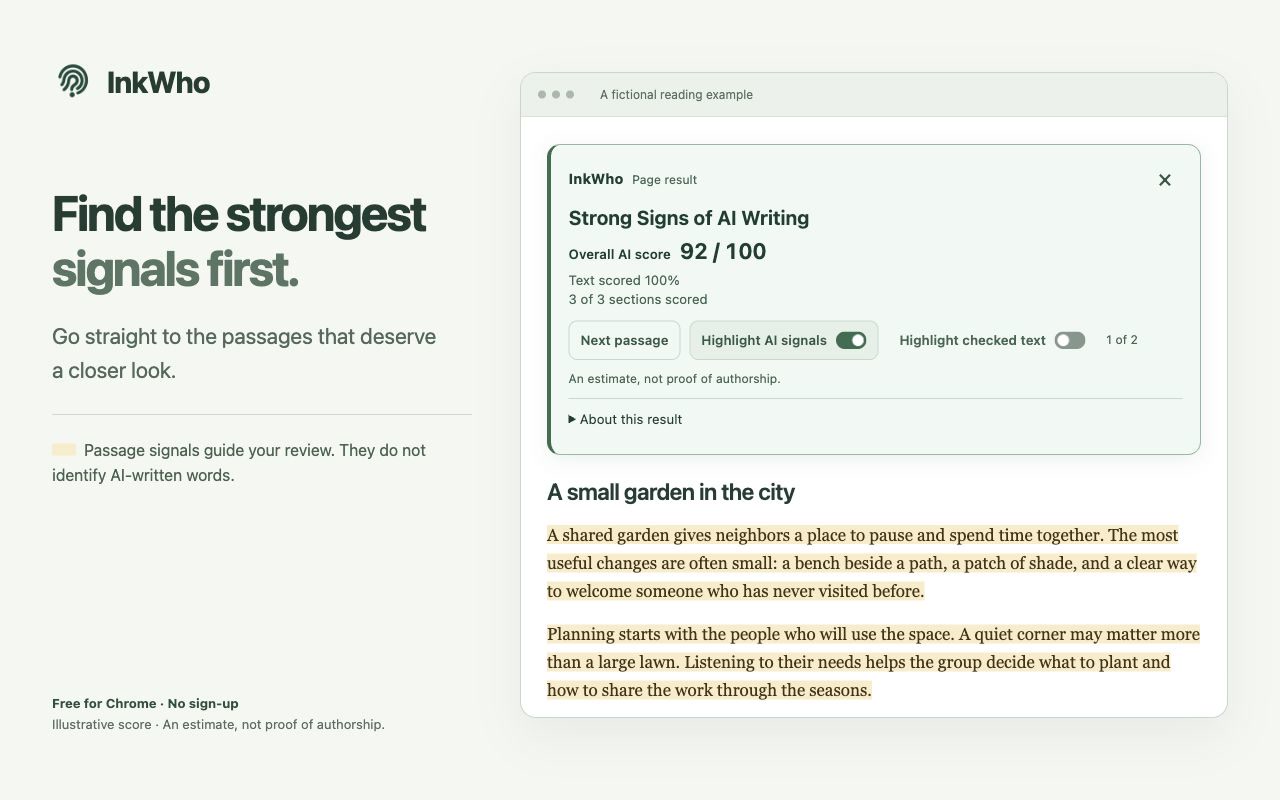
Product UI with fictional text and illustrative scores. Select an image to view it full size.
Start checking in three steps.
- 1
Add to Chrome
Install the extension on your desktop.
- 2
Open an article
Allow site access to check the page.
- 3
Explore a selection
Select at least 100 words and choose Analyze selection.
Watch the 33-second tour
Benchmark comparison
Recorded results, response times, and pricing, side by side.
| Detector | Benchmark result | Median measured time | Selected paid plan / month |
|---|---|---|---|
| InkWho — Conservative | 88.9% | 82 ms | Free |
| InkWho — Sensitive | 100% | 82 ms | Free |
| Pangram 4.0 | 88.9% | 2,392 ms | Individual: $20 |
| Sapling | 100% | 227 ms | Pro: $25 |
| GPTZero | 72.2% | 1,613 ms (web portal) | Premium: $23.99 |
| Originality.ai — 15% allowance | 55.6% | Not measured | Pro: $14.95 |
| Laya | 38.9% | 390 ms | Free |
| OpenJev | 66.7% | 4,102 ms | Free |
USD monthly billing, checked October 4–9, 2026. Competitors also offer limited free plans.
Results apply to the evaluated texts and settings, not every page. Local and hosted timings are not directly comparable.
Questions, answered.
Can I import from Google Docs?
Google Docs snapshot import is being prepared for a future release. It will be optional and require Google sign-in and read-only consent covering all Docs available to your account. InkWho will retrieve only the document you request; you will preview a selected tab before replacing text and starting local analysis. Read the planned import steps and privacy policy.
What does the score mean?
Higher scores indicate more AI-like writing patterns. The score is an estimate, not proof of authorship or the percentage of AI-written words. Understand the scores →
Which browsers and languages are supported?
InkWho currently supports English text in desktop Chrome.
Why does the first check take longer?
The first check needs a little time to get ready. Text length and your device also affect check times.
Can I pause automatic checks?
Yes. Pause a website or turn off automatic analysis in the extension menu.